



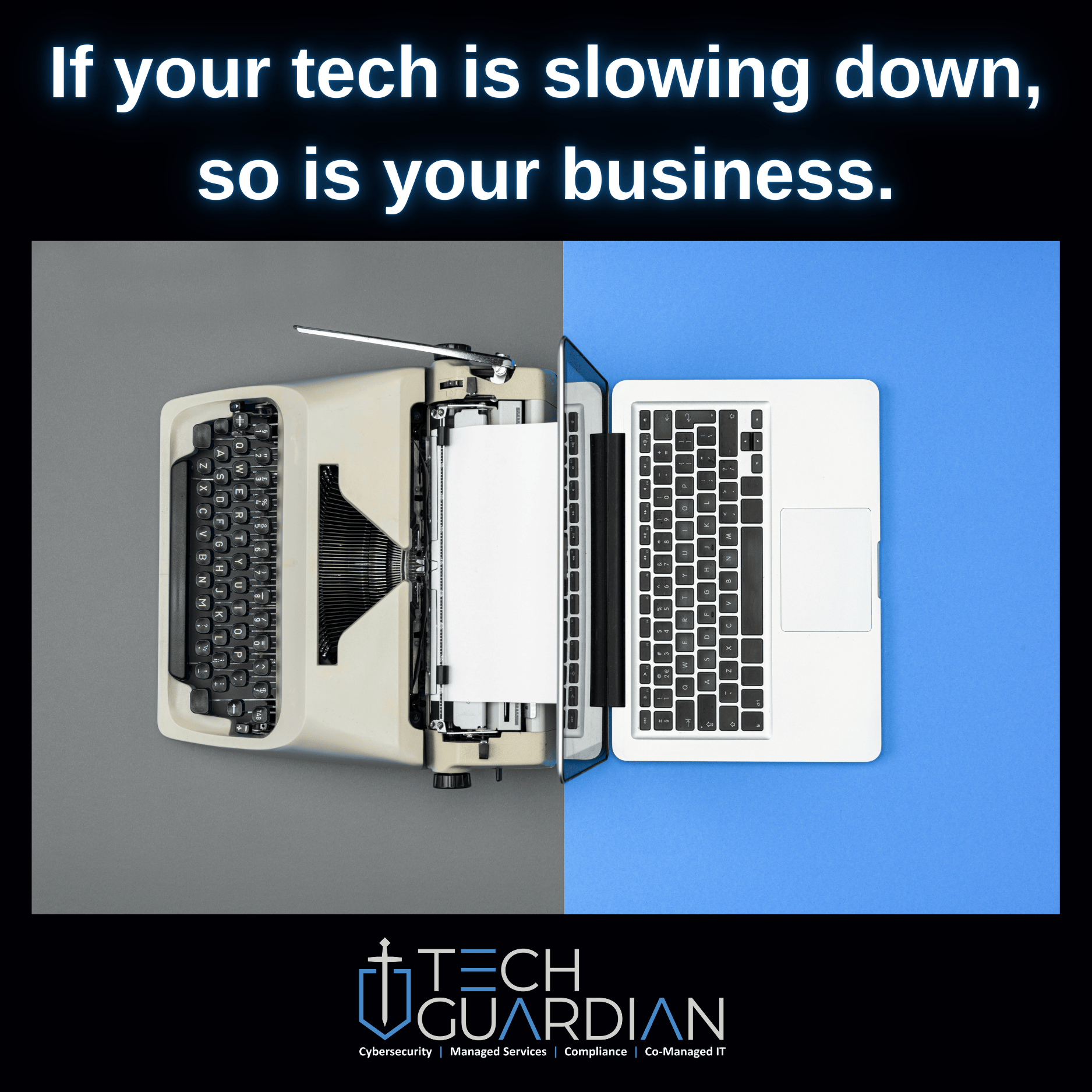
Holding onto aging technology can feel financially responsible. At first, it seems like a smart way to stretch your IT budget. However, outdated systems quietly drain productivity, increase risk, and cost more over time.
Eventually, the price of delay outweighs the cost of upgrading.
The Hidden Cost of Outdated Technology
Older systems work harder to do less. As a result, everyday tasks take longer than they should. Over time, those small delays compound into real productivity loss.
Unexpected failures are also common. When systems crash, work stops, deadlines slip, and frustration rises.
Security risk adds another layer of concern. Once software or hardware stops receiving updates, known vulnerabilities remain exposed. Because of this, outdated technology becomes an easy entry point for attackers.
Compliance issues often follow. Unsupported systems can cause audit failures and regulatory trouble.
Sign #1: You’re Still Running Windows 10 or Older
Windows 10 reaches end of support in October 2025. After that point, security updates stop entirely.
Without patches, new vulnerabilities remain open. This creates both cybersecurity and compliance risk. Planning an upgrade to Windows 11 now avoids last-minute disruption later.
Sign #2: You Call IT for the Same Problems Repeatedly
Recurring crashes and performance issues are warning signs. Although they may seem minor, they indicate failing systems.
Frequent support calls also interrupt workflow. Over time, that lost focus impacts output and morale.
Sign #3: Your Software Can’t Keep Up
Legacy software struggles to integrate with modern tools. As a result, cloud platforms and mobile apps may not work properly.
This limits flexibility and slows growth. Eventually, outdated software becomes a barrier to efficiency.
Sign #4: Your Devices Slow Everyone Down
Long boot times and frozen screens cost valuable minutes. During meetings, crashes disrupt collaboration and momentum.
Devices older than three to five years often underperform. Regular performance audits help identify when replacements make sense.
Sign #5: Your Security Tools Are Outdated
Cyberthreats evolve quickly. If firewalls or antivirus tools are outdated, protection weakens fast.
Older systems are common ransomware entry points. Keeping defenses current is no longer optional.
Upgrading Doesn’t Have to Be Expensive
Delaying upgrades feels cheaper. In reality, lost productivity and security gaps cost more long term.
Strategic upgrade planning spreads costs and minimizes disruption. The right approach keeps systems efficient without breaking budgets.
You Don’t Have to Navigate It Alone
Knowing when to upgrade can feel overwhelming. However, guidance makes the process far easier.
A short discovery call with Tech Guardian can identify risks and priorities quickly. From there, planning becomes clear and manageable. Call us at 951-319-4080.
👉 Schedule your FREE 10-Minute Discovery Call to keep your technology secure, productive, and cost-effective.

